Build your own dashboard
Watch engagement as it happens and change the board from the same place. It is a Sim, so you shape it by asking - no dashboard software to buy or learn.
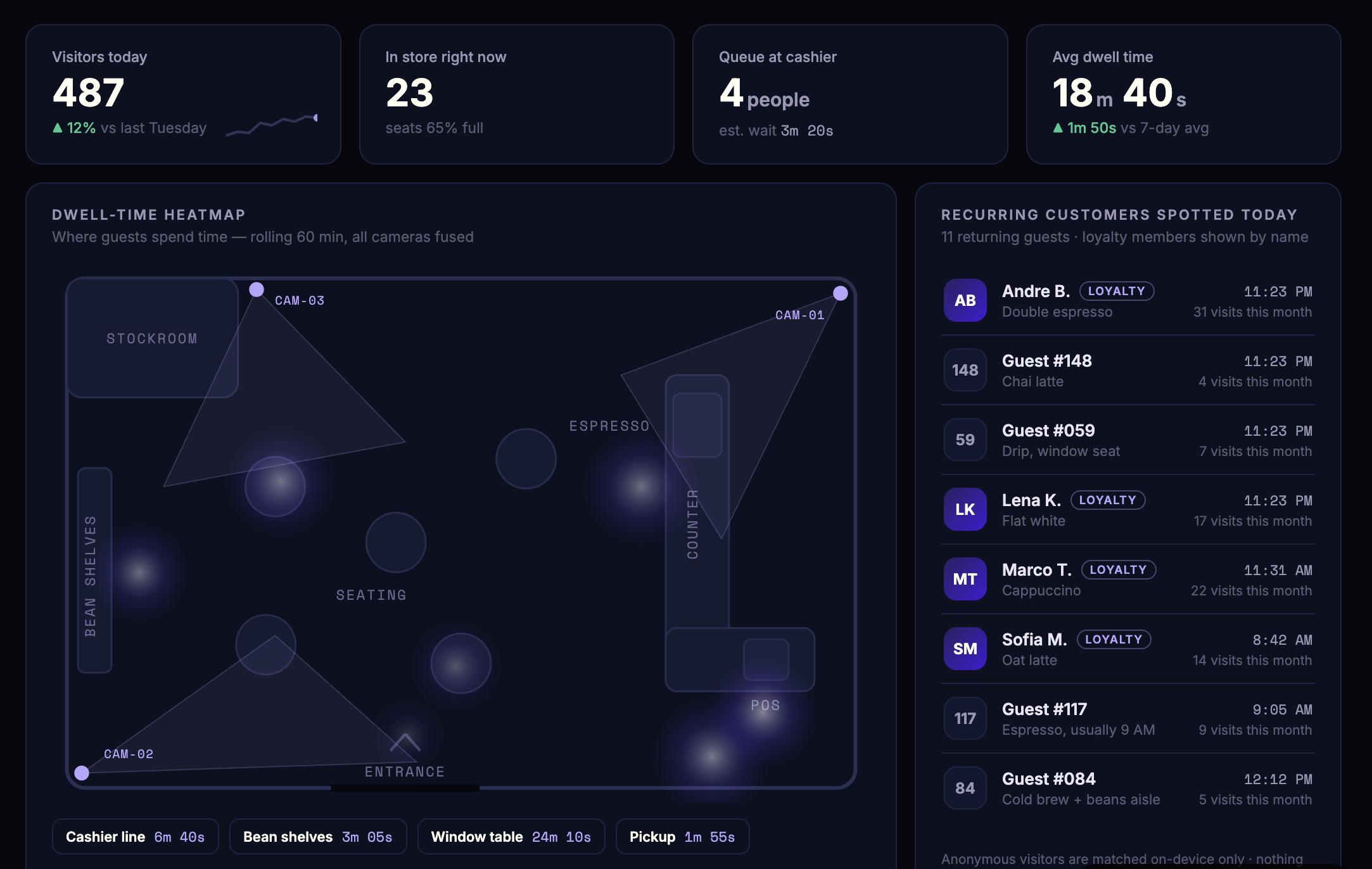
loading the café
screen 01 · live board
SimSense for cafés · menu boards
Type your menu once and it is on the screen behind your counter, on any device with a browser. Add the product spotlight and an agent picks something different from your Shopify store every weekday morning - and tells you how many people were looking.
type your menu→ on the screen→ spotlight from your store→ camera counts→ agent rotates
What you get
01
The Cafe Menu Board kit takes your items and prices in whatever form you have them, groups them into sections, and the board is live immediately. A TV, a tablet by the till, a screen in the window.
02
The Shopify Product Spotlight kit connects to your storefront from its address alone. Each weekday morning an agent picks a different product, puts it up with a line of its own, and reports how the last one did.
03
"Put the cold brew first." The board is a Sim, so you change it in the kit's own chat and the screen updates in place. No CMS, no designer, no reprint.
cam 01
3 people in view while the batch brew was up.
loading the café
cam 01 · watching the board
03 · Engagement
Mount a spare phone beside the screen with its camera facing the room. While each product is up, the spotlight counts the people in view - so you learn which products earn the look, and which morning to put them up.
Illustrative numbers. Yours come from your own camera.
Watch engagement as it happens and change the board from the same place. It is a Sim, so you shape it by asking - no dashboard software to buy or learn.
Connect an old phone to SimSense and it becomes a sensor: a camera, a screen and a network connection you already own. Nothing else to buy.
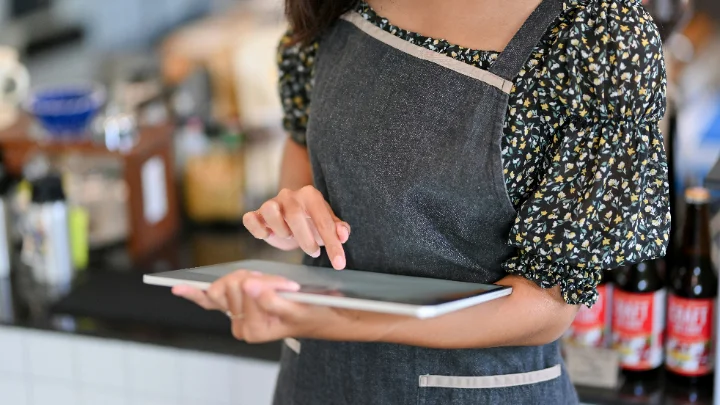
Menu boards, spotlights, polls and more, shared by the people who run them. Install one as it is, or remix it with your own twist.
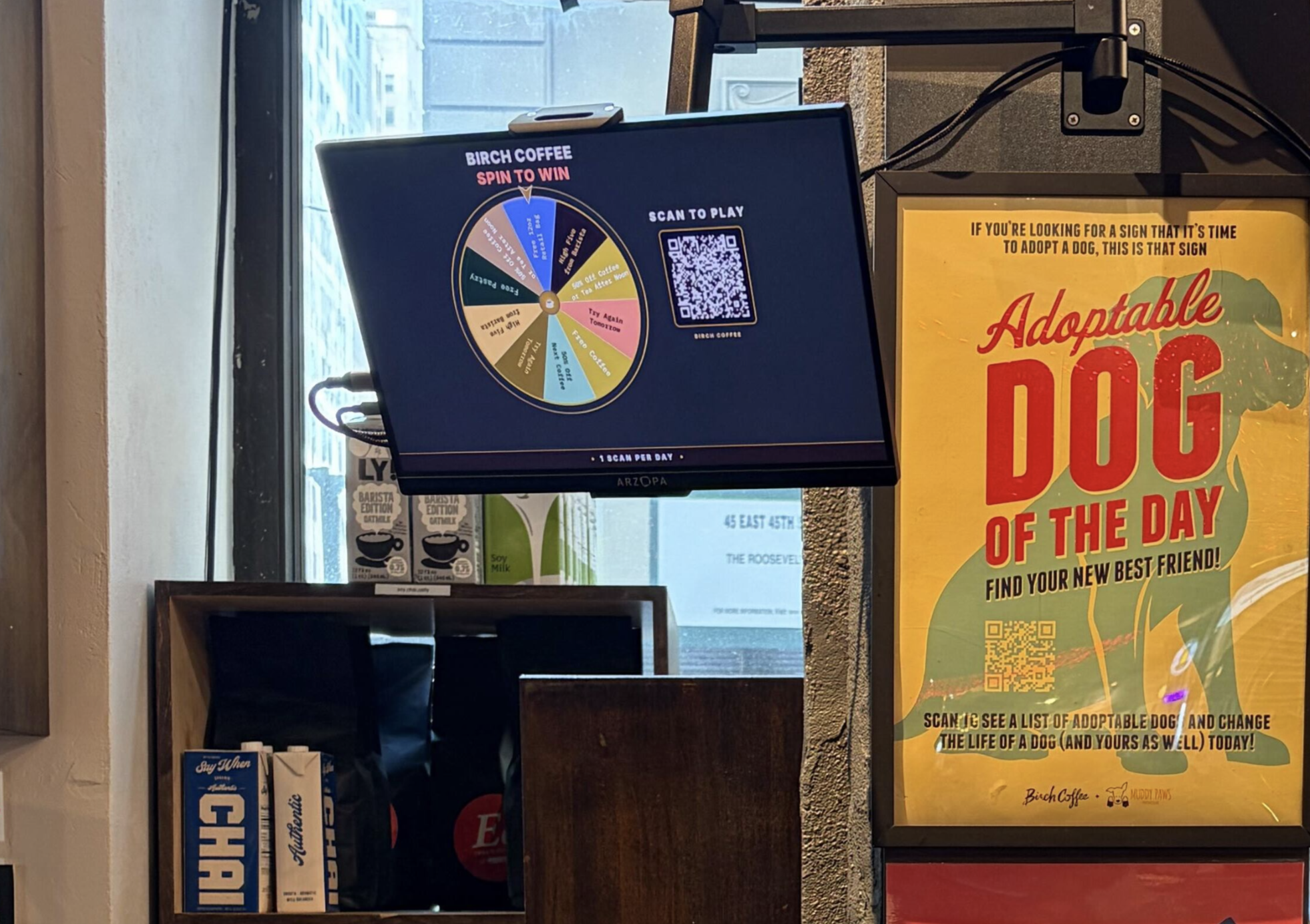
Type your menu. Put it on a screen. Add the spotlight when you want the window to sell.
Install the menu boardHardware
The board needs a screen. Watching the board needs a camera. Neither has to be special.
The screen
A TV on the wall, an iPad on the counter, a display in the window. If it opens a URL, it can hold a board.
Browse the showcase →The camera
The tinkerer's route - a board, a camera module, and full control over what runs at the edge.
The camera
Cameras with the compute already inside. Power one, point it at the board, and it starts reporting.
The shortcut
Seriously. A phone on a stand is a camera and a screen at once. Get started in five minutes with hardware already in your drawer.
Try now →