
Agents
Wakes on its own schedule, does the work, goes quiet again. No laptop left open.
“I built a little survey game in SimSense in about ten minutes, put it up on a screen in the shop, and had fifty customer emails by the end of the week.”
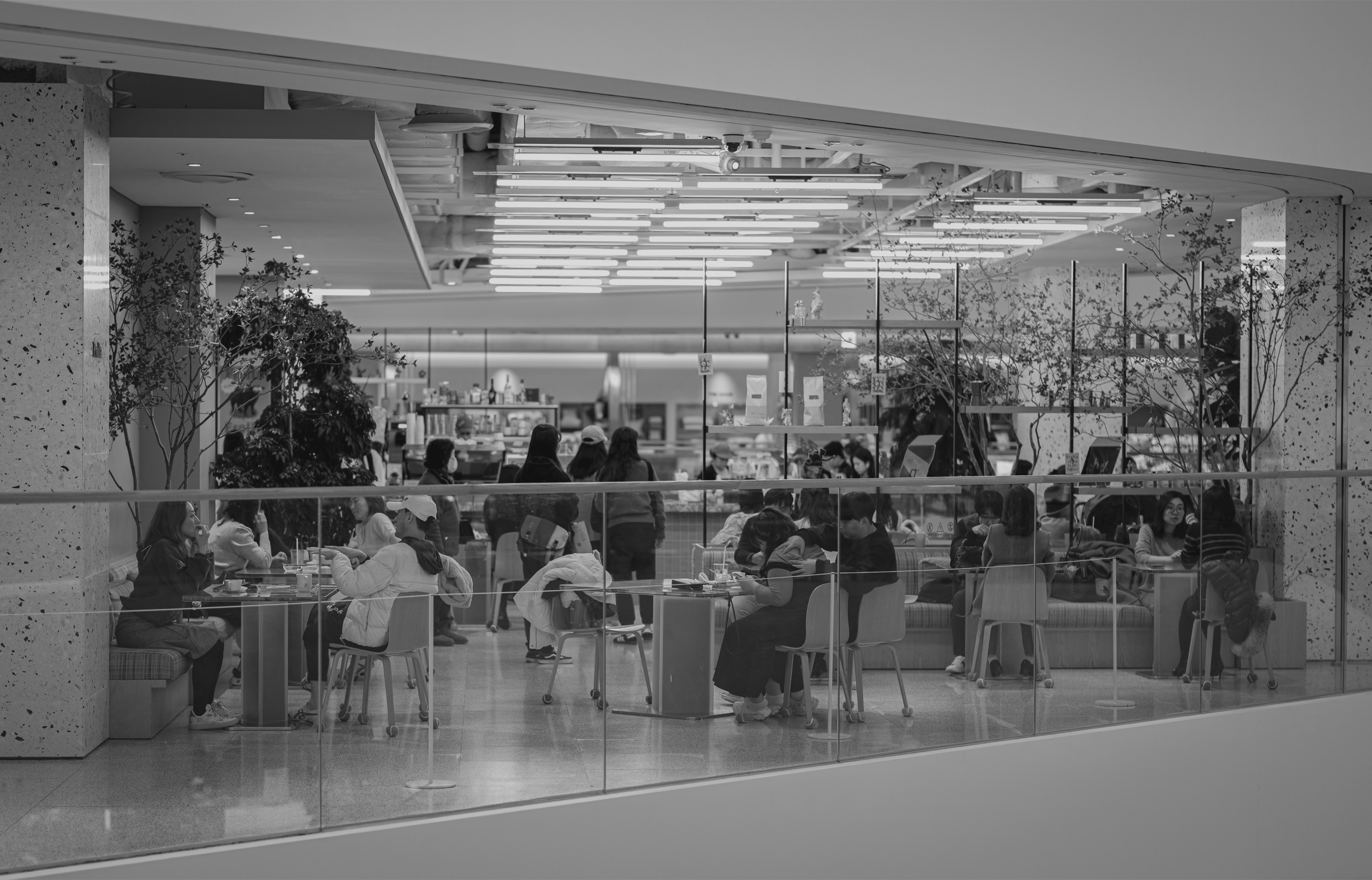
Tuesday, 3:10pm
A queue is building - three hours off your usual peak.
Working on it
Looking for what is pulling them in.
Just now
Big sale on at the sneaker store two doors down. Want me to keep the specials on the board past close?
How it works
You describe what matters in your space and what should happen when it does. SimSense watches, works out what it is looking at, and acts on it - while the customer is still standing there.
The moving parts
Everything SimSense runs on is one of three: an agent, a device, a sim. Each is an input and an output, so they close a loop rather than form a queue.
Wakes on its own schedule, does the work, goes quiet again. No laptop left open.
Where the interface lives - the board people actually look at.
A camera, a sensor, a screen. It captures the room and takes instruction back.
Use cases