
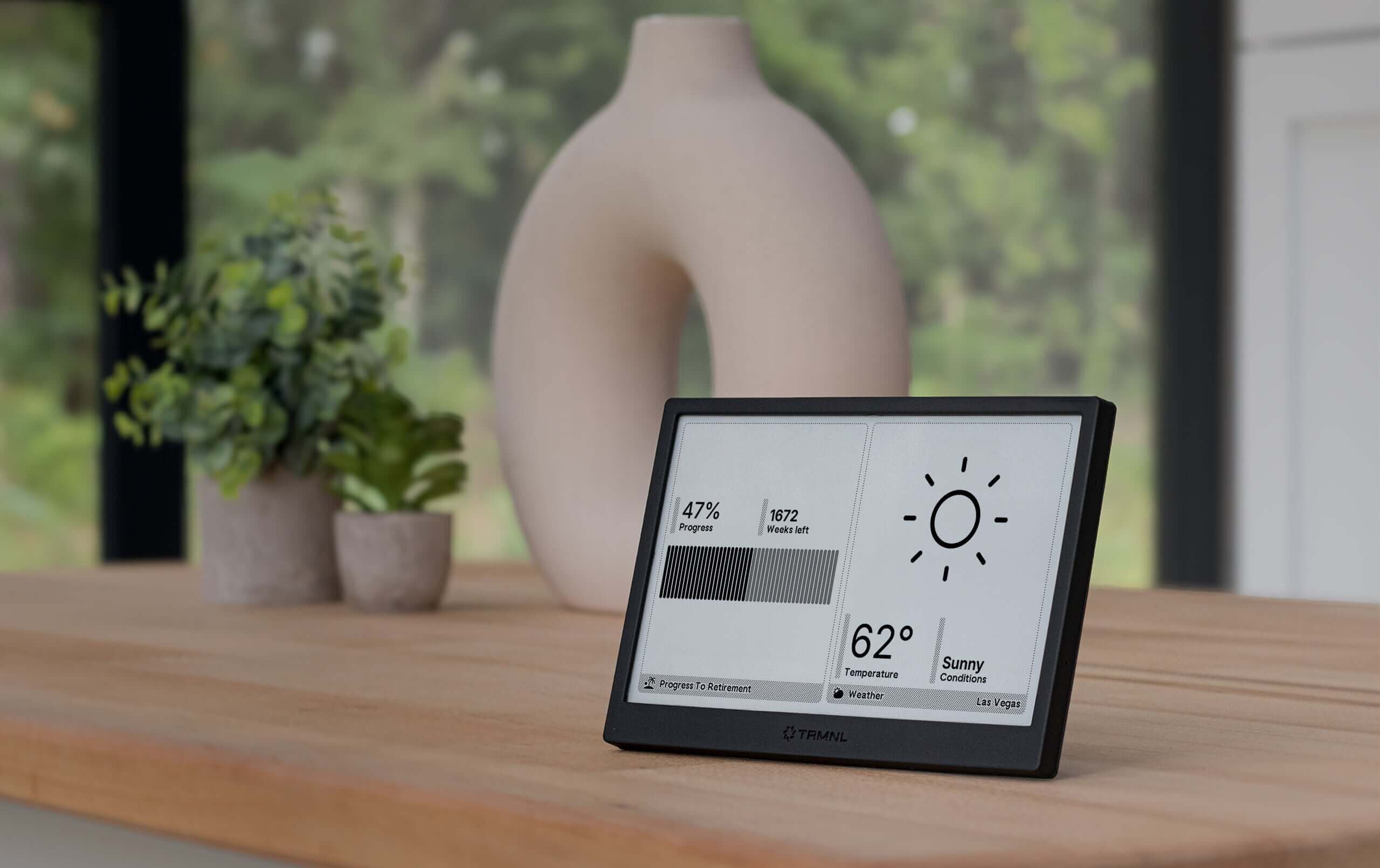
TRMNL is a small e-ink display that sits on your desk and shows whatever you want - weather, calendar, notes, dashboards. The catch has always been getting your data onto it without writing a custom plugin from scratch.
I’ve been experimenting with a workflow that removes most of that friction. The idea: use Claude to design and deploy a live web page, then point TRMNL’s screenshot plugin at it. No templates, no static files, no manual coding.
The setup
Three pieces:
- SimSense - an MCP server that lets Claude create and update live web pages through conversation. You connect it to Claude once and it handles hosting.
- TRMNL’s screenshot plugin - a built-in plugin that takes a screenshot of any URL on a schedule and renders it on the display.
- Claude - does all the design and code generation work.
How it works
Once SimSense is connected to Claude, the workflow is conversational:
“Create a map showing Port Clyde with tide information for today.”
Claude generates the HTML, CSS, and JavaScript - including any live data fetching - and deploys it to a persistent URL via SimSense. I copy that URL into TRMNL’s screenshot plugin. TRMNL picks it up on its next sync and renders it on the e-ink screen.
That’s it. No terminal, no file editing, no deployment pipeline.
The part that surprised me
Updates are just as easy as the initial setup. When I wanted to add weather data to the tide map, I just said:
“Add current weather conditions as a widget in the top right.”
Claude updated the live page. TRMNL picked it up automatically on the next sync. The display changed without me touching anything beyond the conversation.
This turns TRMNL into a genuinely flexible prototyping surface. You can iterate on what you want to see in minutes rather than hours.
What works well on e-ink
A few things I’ve learned about designing for e-ink through this workflow:
- High contrast is non-negotiable. Ask Claude explicitly for black-and-white designs with bold typography.
- Avoid gradients and shadows. They render as muddy grey on e-ink. Flat, bordered elements work better.
- Big text, sparse layout. E-ink resolution is lower than a screen. Dense information layouts look cluttered.
- Static data beats live data for refresh speed. TRMNL screenshots on a schedule - if your page fetches live data, make sure it loads fast.
You can include these constraints in your Claude prompt upfront and it’ll apply them throughout.
The combination
What makes this work well is that SimSense gives Claude a persistent, shareable output - not just a code snippet in a chat window. The URL stays the same, the display updates, and TRMNL just keeps polling it.
If you have a TRMNL and you’re already using Claude, this is worth trying. The whole setup takes about five minutes.